Think in connections, not in lists
Drag records onto the board, connect them with arrows, write beside them — the cards show the real, current state.
Screens from a demo workspace. Companies, people and figures are fictitious.
Visualizer at work
Four capabilities people actually open Visualizer for. Everything else it can do is listed in full in section 04 — this is only what stands on its own.
Real records as cards
Search for a lead, a deal, a contact, a company, a candidate, a job, a project or a task and put it straight onto the board — eight record types from sales, recruiting and projects. The card shows the real state from the record, not a typed-out copy.
from sales, recruiting and projects — straight onto the board
Cards that stay current
A board otherwise goes stale the moment you close it. Here one click fetches the fresh state of every card back — amounts, stages, names. So what is on the board still agrees with the record.
brings amounts, stages and names on every card up to date
Connect instead of merely placing side by side
Drag arrows between the cards and make visible what belongs together: which task hangs on which deal, which candidate on which job. Three line styles — softly rounded, curved or straight — so that a flow also looks like a flow.
softly curved, angled or straight — a flow looks like a flow
Who may do what on the board
permissions come from the workspace role, not from the individual board
Boards belong to the workspace, not to a person: every member sees them. Editing is for roles that have write permissions in the workspace — read-only roles can open a board but change nothing on it. There is no separate permission setting per board.
Paths that run through here
A card on the board IS the record, not a picture of it. If the deal changes, the card changes — there is nothing to keep in sync.
What Visualizer receives and passes on
The visualizer shows relationships between real records. If you need numbers about the same records, that is Reports.
Everything that is in it
17 capabilities in 3 groups — complete, not curated.
What it does not do
Every limit names the place where it happens instead.
- Not a whiteboard tool.
There are eight building blocks, not infinite shapes. Anyone who wants to draw freely wants Miro.
- No simultaneous editing with live cursors.
Whoever may, edits; the change is there at once. A board with five cursors chasing each other is not the goal.
What teams want to know beforehand
Do I have to maintain the cards?
No. A card shows the record’s current state; if the deal is won, the card says so without anyone touching it.
What happens to old boards?
They are archived rather than deleted — with everything on them. Tidying up should not cost anything.
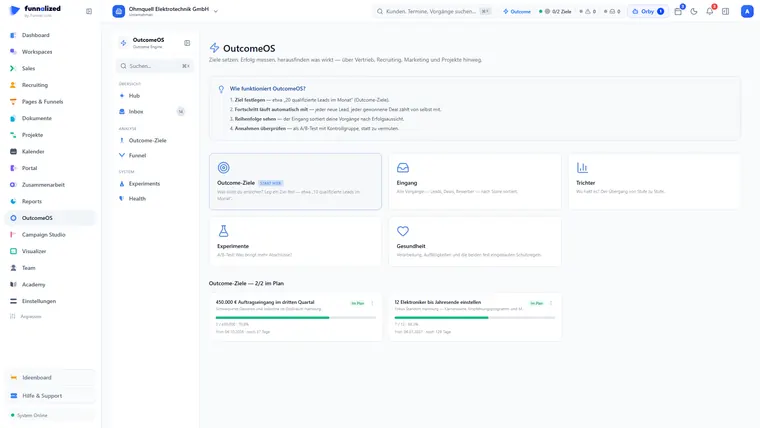
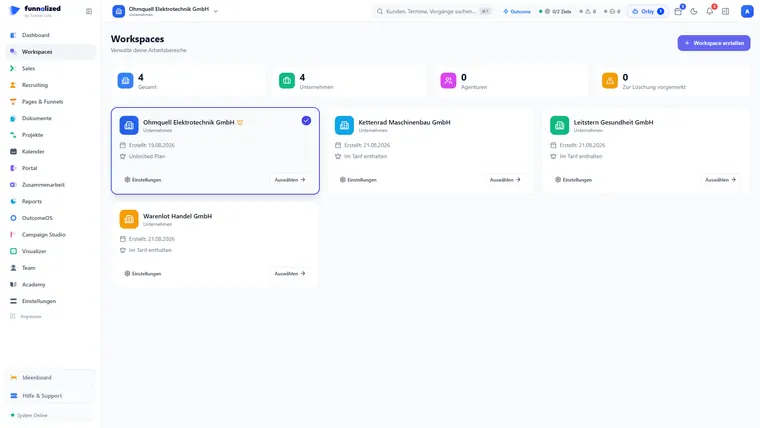
Visualizer is one of 21. You get all of them.
Sign up and you'll hear from us the moment we go live. Not a newsletter — one message.
€50€150/ month · permanently
Only your email address. No spam, unsubscribe at any time.